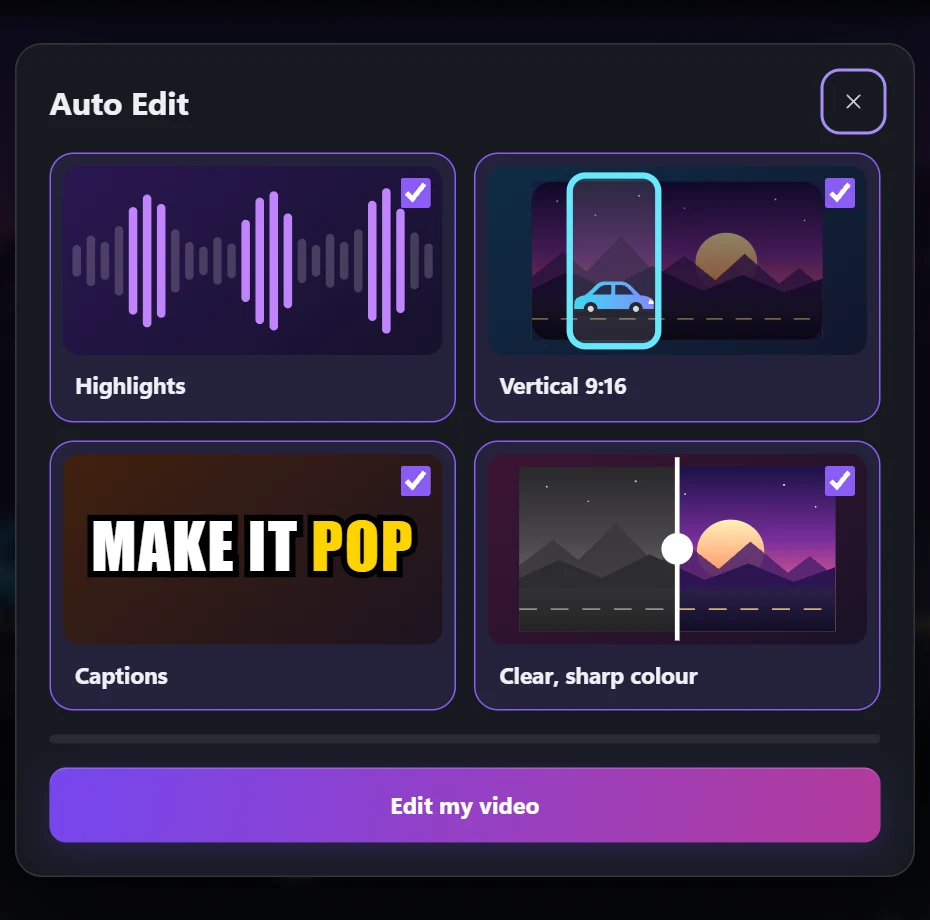
Auto Edit
 DexaCut
Download
One click. Your best moments, vertical, captioned and crystal clear.
 Best moment found9:16POP


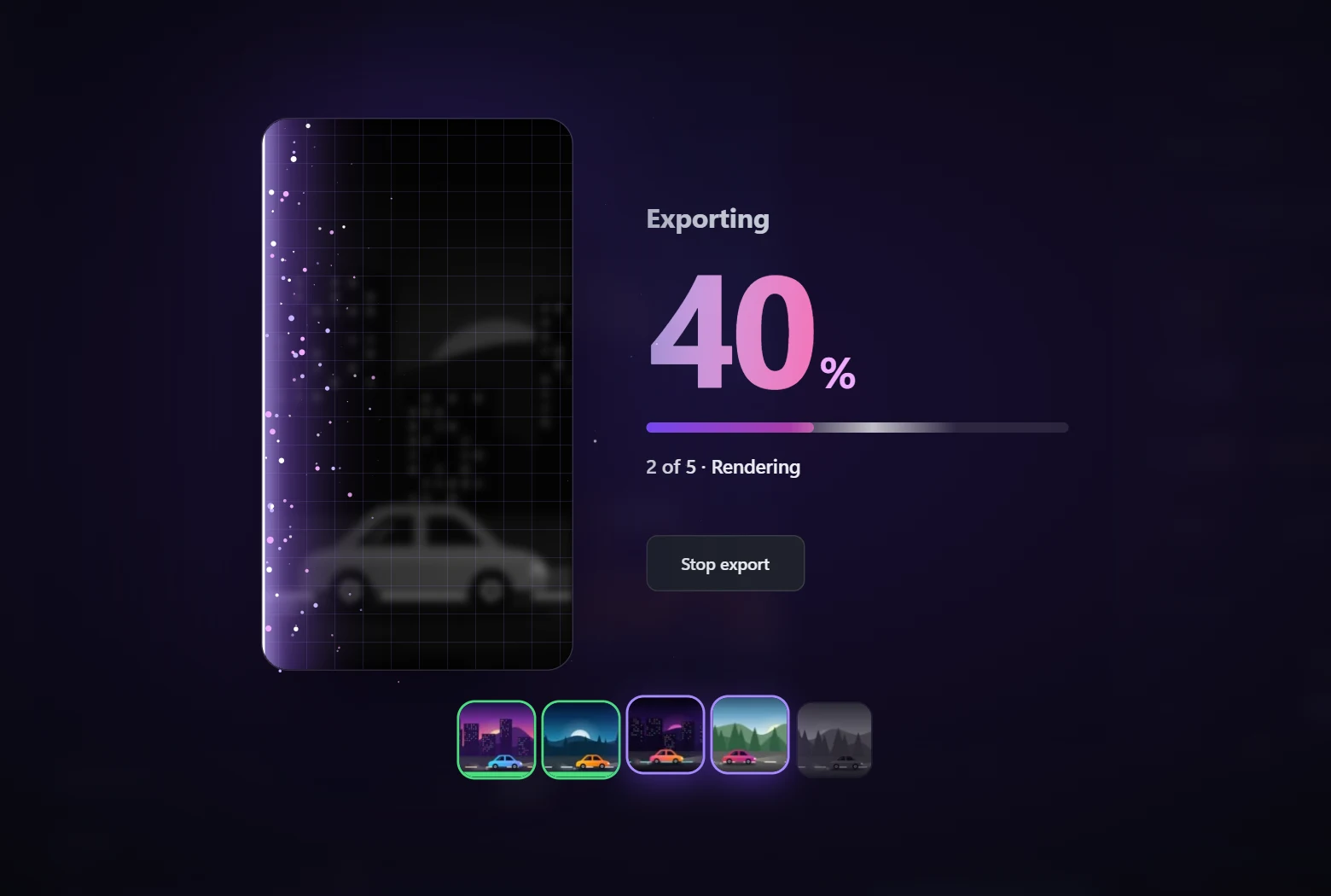
Pay inside DexaCut by UPI when you press Export.
A 64-bit PC with Windows 10 or 11, 8 GB of memory and about 1 GB of free space. Everything else is in the installer.
Downloading, editing and previewing are free. Saving finished videos needs a plan: . A plan works on one PC and does not renew by itself.
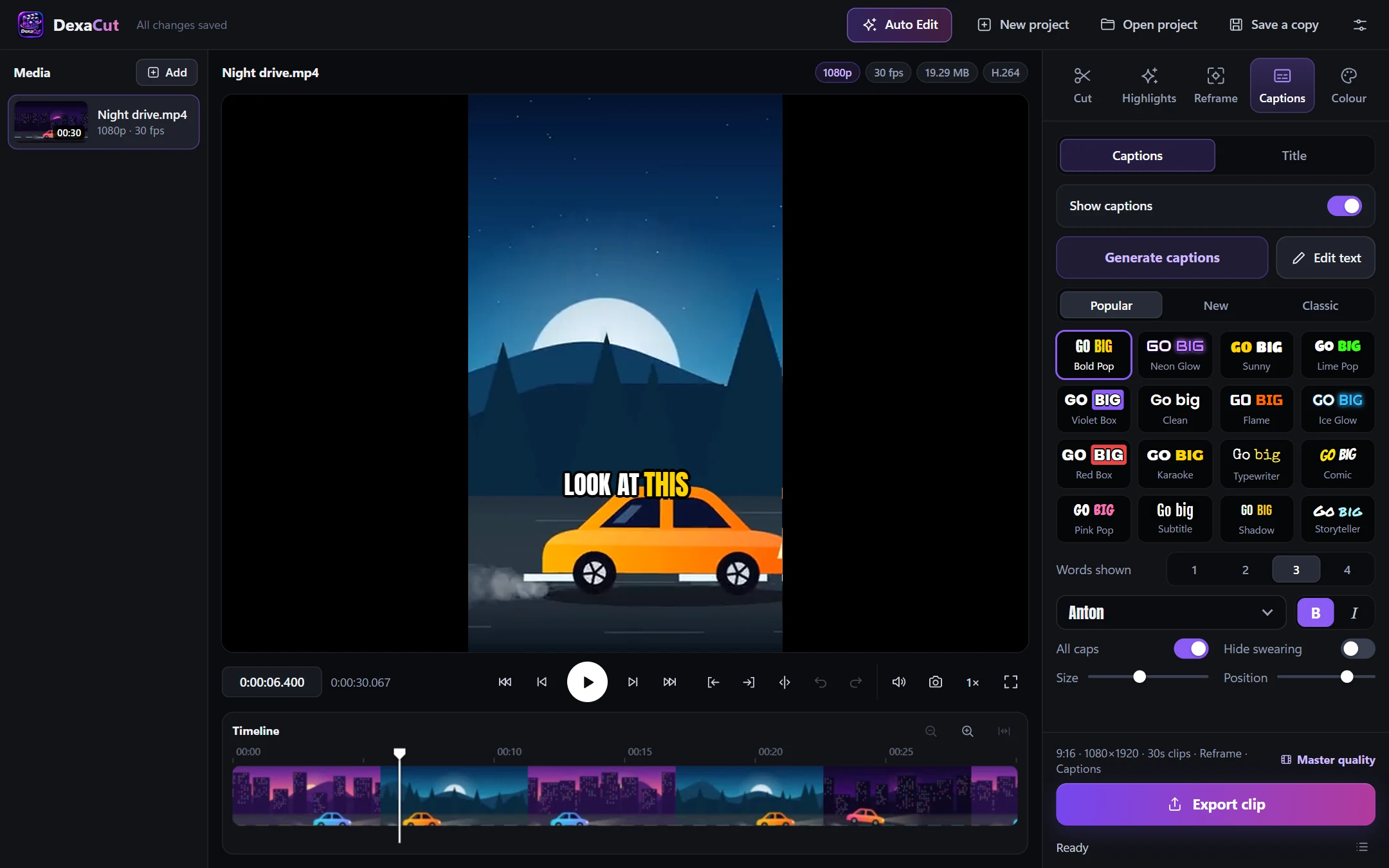
Plain cuts are an exact copy. Clips with captions, colour or a new shape are rendered in Master quality, with no visible difference. A lossless mode is one click away.
No. Everything happens on your own PC, even without the internet.
It has no account, no tracking and no adverts, and it never uploads your videos. Your edits stay on your PC. Under the download button you can compare the fingerprint of the file you received.
Windows warns about new programs. Choose More info, then Run anyway. Only download DexaCut from this page.
The PC version comes first. This page will show the mobile versions when they are ready.
Credit goes to
Creator of DexaCut
Get DexaCut